HeicToPng
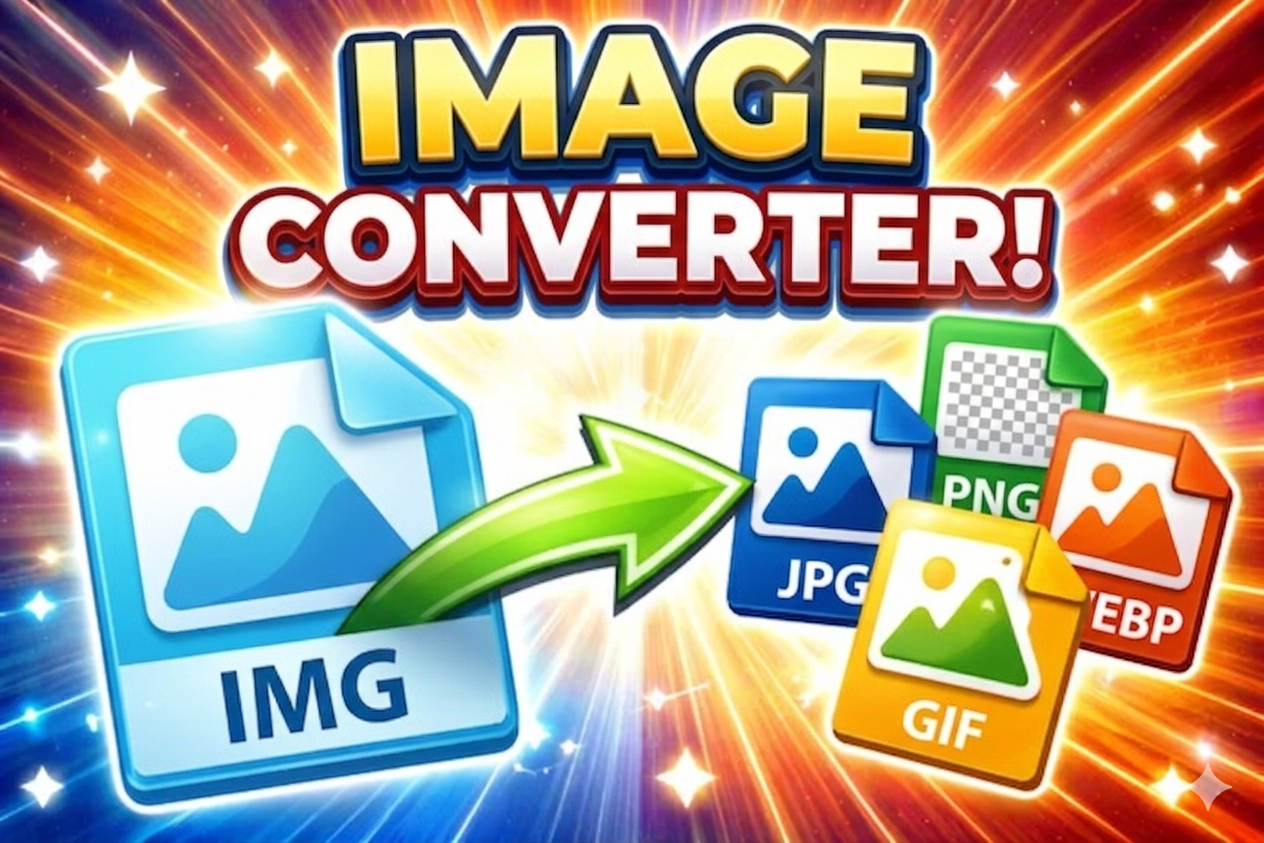
HEIC to PNG Converter
Convert Apple HEIC images to PNG format – lossless, right in your browser
Drag & drop HEIC files here or click to browse
How to use this converter:
- Select HEIC/HEIF images using the button or drag & drop
- Adjust output scale in the settings panel (right) – 100% = original size
- Click "Convert to PNG" to start — all processing stays on your device
- Preview the resulting PNG files in grid view
- Download individual images or all as ZIP
Powered by heic2any – your files never leave your computer. Scaling may strip metadata.
PNG Settings
Scale the image dimensions. 100% = original size. PNG is lossless.
EXIF data is stripped during scaling.