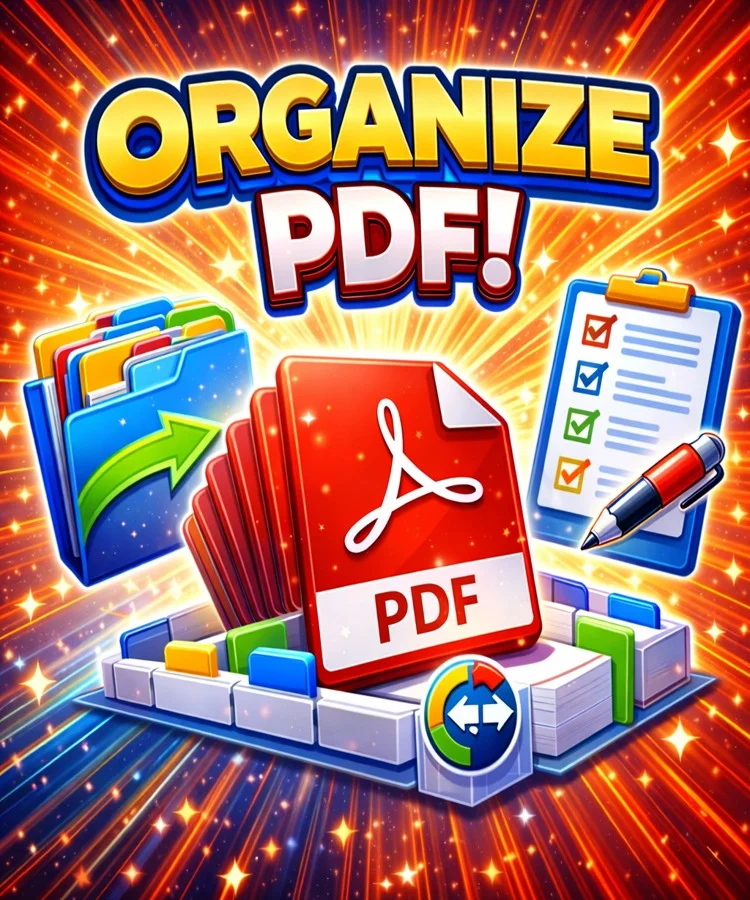
Organize PDF
PDF Organizer Tool
Organize, reorder, and merge PDF files with ease
Drag & drop your PDF files here or click to browse
How to use this PDF Organizer:
- Select multiple PDF files using the button above or by dragging and dropping
- Files will appear in the organizer list - drag and drop to reorder them
- Use the control buttons to organize files (move up/down, sort, reverse order)
- Choose your organization mode: Merge, Reorder Pages, or Split & Organize
- Click "Organize PDFs" to process the files according to your settings
- Download the organized PDF file or files
Note: All processing happens in your browser - your files are never uploaded to any server.
Organization Settings
Higher quality = larger file size